Especificaciones técnicas

Performance
ProcessorIntel Core i5 M 520 2.4 GHz.
RAM Memory4 Gb. SO-DDR3 RAM
Hard disk drive500 Gb. SATA
OSWindows 7 Pro
Display and graphics
ScreenTFT 14 '' HD 16:9 · Resolution 1280x800
Video portsVGA
Expansion and connectivity
Optical driveDVD-RW
Ports4x USB 2.0, Firewire
Other portsPCMCIA
Media readersWebcam, SD Reader
ConnectivityRJ-45, WIFI
Dimensions and weight
Dimensions34x24.5x3.5 cm.
Weight2.00 Kg.
Condition and notes
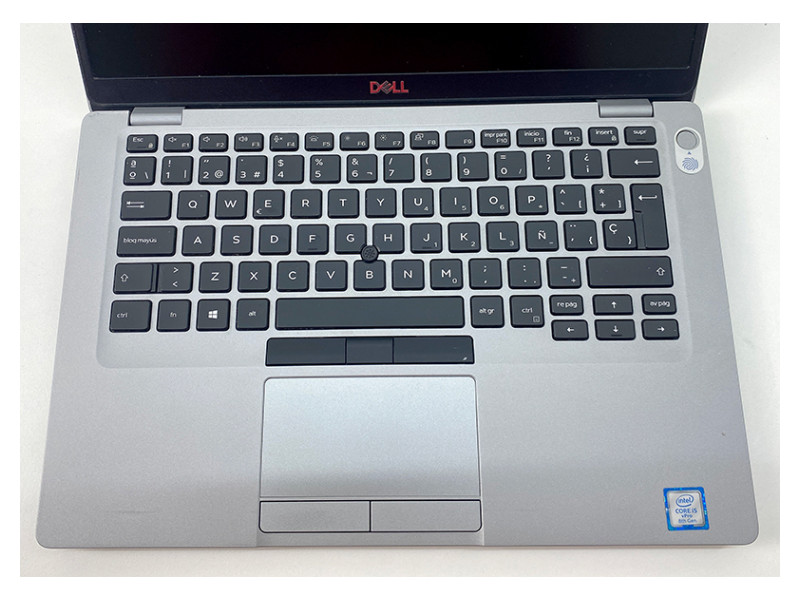
Laptop specificBattery Dead, Keyboard layout Spanish
Other information
CardsGraphic: intel HD Graphics, Sound: High Definition Audio, Network: Intel Gigabit Broadcom

Descripción del producto

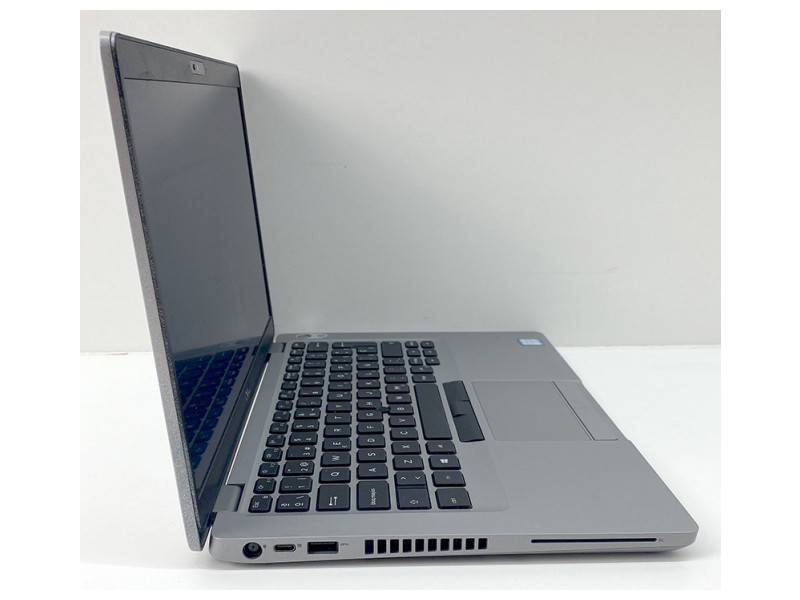
The Dell Latitude E5410 is a 14-inch laptop aimed at users who need a functional computer for basic tasks, legacy environments, older applications, training, enquiries, documentation or specific uses where Windows 7 Pro is still required for compatibility. It features an Intel Core i5 M 520 processor at 2.4 GHz, together with 4 Gb SO-DDR3 RAM, a suitable configuration for light work, basic browsing, file management, simple office tools and low-demand professional applications. Its 500 Gb SATA drive offers good storage capacity for documents, programs, files and work material, while the DVD-RW drive allows reading and writing optical media, something especially useful in technical, educational or business environments where discs are still used. It includes Windows 7 Pro, an interesting option for systems, peripherals or programs that require this operating environment. The 14-inch HD TFT screen in 16:9 format, with 1280x800 resolution, allows work with documents, forms, administrative applications and everyday tasks. It also integrates a webcam and SD card reader, expanding its possibilities for basic video calls, file transfer and daily use. The battery is depleted, so it is especially recommended for use connected to power in fixed workstations, workshops, classrooms, technical environments or configurations where compatibility and basic functionality are the priority.
Good exterior condition. It may show slight signs of use on the casing. Check “+ Photos” and “Video” and, if you have any questions, call us or use our chat to request further information or additional details.

Similar alternatives

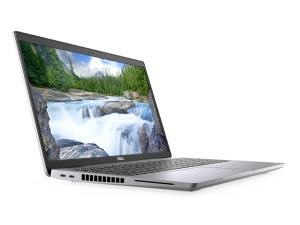
Dell Latitude 5501 15.6''

402 + VAT
Processor
Intel Core i5 9300H 2.4 GHz.
RAM Memory
16 Gb. SO-DDR4 RAM
Hard disk drive
256 Gb. SSD M2
Screen
Led 15.6 '' HD 16:9 · Resolution 1366x768
OS
Windows 11 Pro
View product

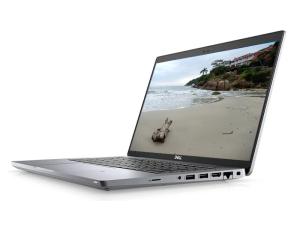
Dell Latitude 7400 14''

217 + VAT
Processor
Intel Core i5 8365U 1.6 GHz.
RAM Memory
8 Gb. SO-DDR4 RAM
Hard disk drive
256 Gb. SSD M2
Screen
Led 14 '' FullHD 16:9 · Resolution 1920x1080
OS
Windows 11 Pro
View product

Dell Latitude 5401 14''

287 + VAT
Processor
Intel Core i5 9400H 2.5 GHz.
RAM Memory
16 Gb. SO-DDR4 RAM
Hard disk drive
256 Gb. SSD M2
Screen
Led 14 '' FullHD 16:9 · Resolution 1920x1080
OS
Windows 11 Pro
View product

Dell Latitude 7490 14''

222 + VAT
Processor
Intel Core i5 8350U 1.7 GHz.
RAM Memory
8 Gb. SO-DDR4 RAM
Hard disk drive
256 Gb. SSD M2
Screen
LCD 14 '' FullHD 16:9 · Resolution 1920x1080
OS
Windows 11 Pro
View product

Our refurbishment process

Each device goes through 15 technical checks in our factory in A Coruña, under ISO 9001 and ISO 14001 standards, before being shipped to the customer.

1 Receipt

Receipt of the device and initial verification of the batch and documentation.

2 Traceability

Internal registration, labelling and serial number to ensure traceability of each unit.

3 Visual inspection

Inspection of the chassis, ports, hinges and external components to classify the cosmetic grade.

4 Professional cleaning

Internal and external cleaning adapted to the type of device, using specific products.

5 Board and connections

Check of the motherboard, internal connections and overall system operation.

6 CPU and memory

Processor and RAM tests under load, when applicable to the product.

7 Storage

Check of the SSD, M.2 or hard drive and replacement with a new unit if it does not pass the tests.

8 Graphics

Graphics card and video output tests according to the device configuration.

9 Ports and connectivity

Inspection of ports, slots, wired network and available wireless connectivity.

10 BIOS and firmware

BIOS or firmware check and update to the manufacturer’s latest stable version.

11 Operating system

Installation of an operating system with an official licence when applicable to the model.

12 Security

Application of critical security updates before being put up for sale.

13 Performance

Performance and stability tests according to the type of device and its intended use.

14 Final quality control

Final validation of the device and stability check before approving it for sale.

15 Packaging and shipping

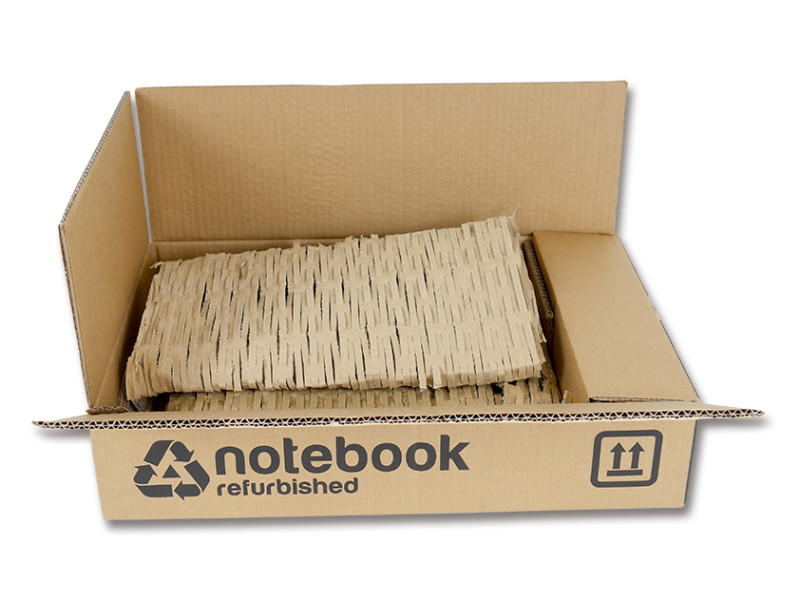
Secure packaging and order preparation for mainland shipping in 24–48 h.